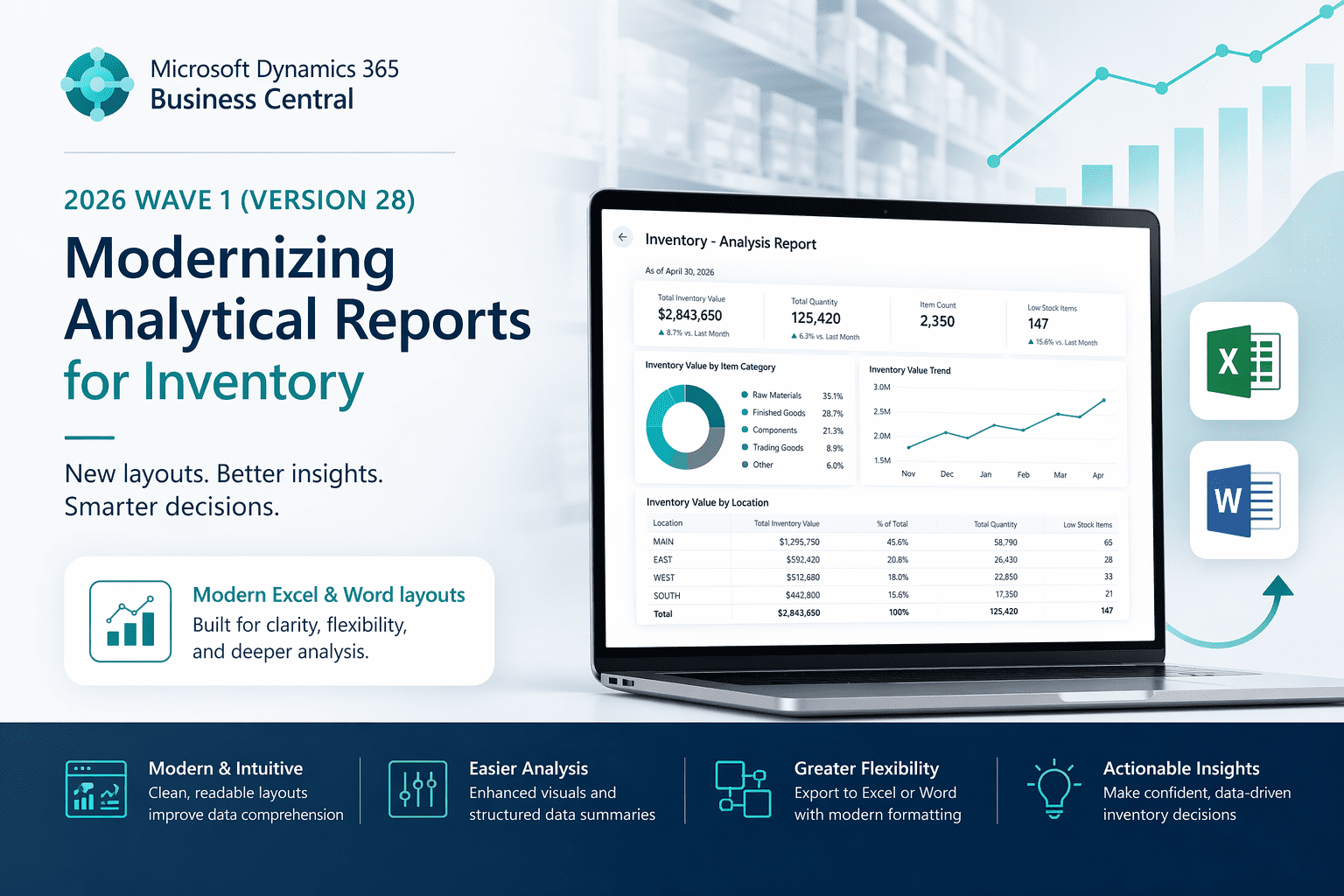
Dynamics 365 Business Central 2026 Wave 1 (BC Version 28): Modernizing analytical reports for inventory.
Hi Folks,
With Dynamics 365 Business Central 2026 Wave 1 (Version 28), Microsoft introduces a modernized approach to inventory reporting.
The new Excel and Word layouts deliver a significantly improved user experience—making it easier to analyse inventory data, customize reports, and gain actionable insights.
List of report where the new layout is added.
| Report | New Layout Added |
| Inventory Top 10 List | Excel |
| Item Availability | Excel |
| Inventory Purchase Orders | Word & Excel |
| Item/Vendor Catalog | Excel |
| Inventory Availability Plan | Excel |
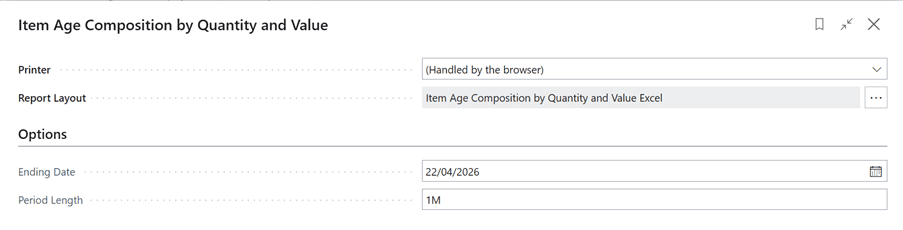
| Item Age Composition by Quantity and Value (new report) | Excel |
| Inventory – Transaction Detail | Excel |
| Item Expiration – Quantity | Excel |
Let’s explore more in detail.
On Tell me search (Shortcut ALT+Q), search below reports
- Inventory Top 10 List
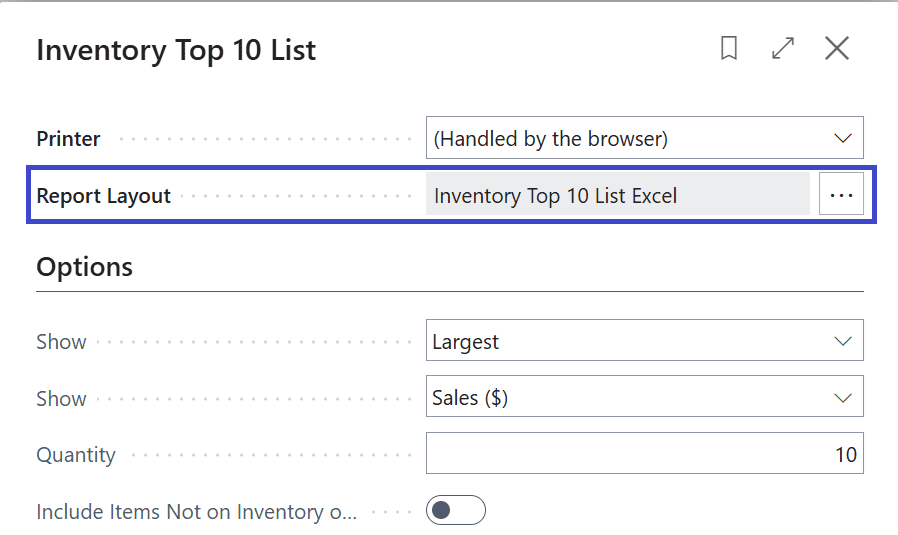
Click on Report Layout, Notice the new Excel Layout and Obsolete RDLC Layout.
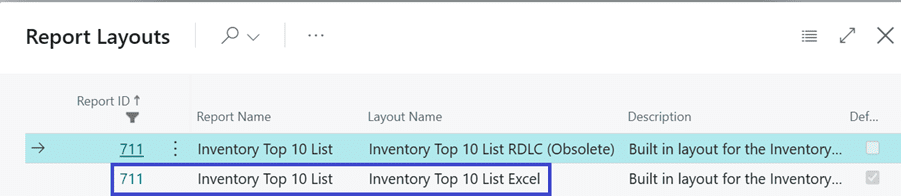
Similarly, you will see the excel Layout on other reports.
- Inventory Purchase Orders:
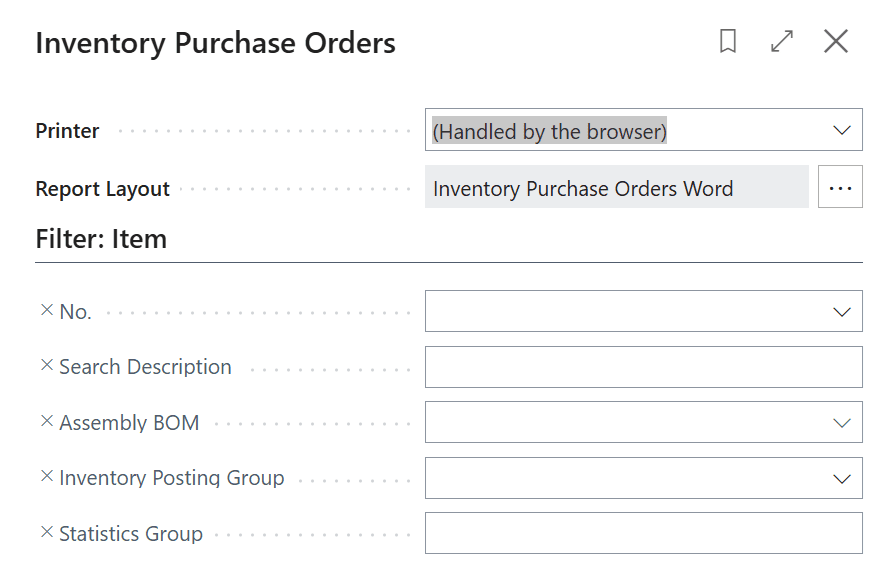
Click on Report Layout, Notice the new Excel Layout and Obsolete RDLC Layout.
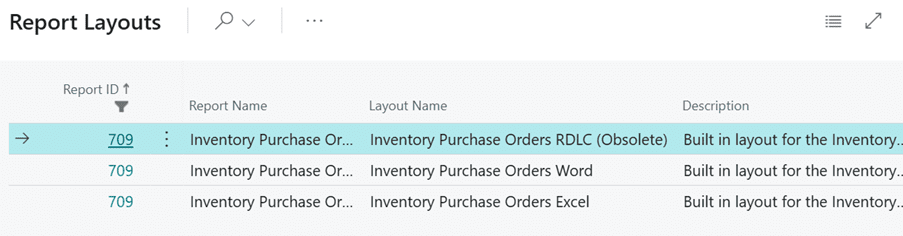
New Report Item Age Composition by Quantity and Value:
Below is the list of reports deprecated:
- Item Age Composition – Value
- Item Age Composition – Quantity
- Items with Negative Inventory
Thanks!!
Please follow and subscribe. Share your thoughts in the comments.!!