Dynamics 365 Business Central 2026 Wave 1 (BC Version 28): Create contract service orders with One Service Item Line/Order setting.
Hi Folks,
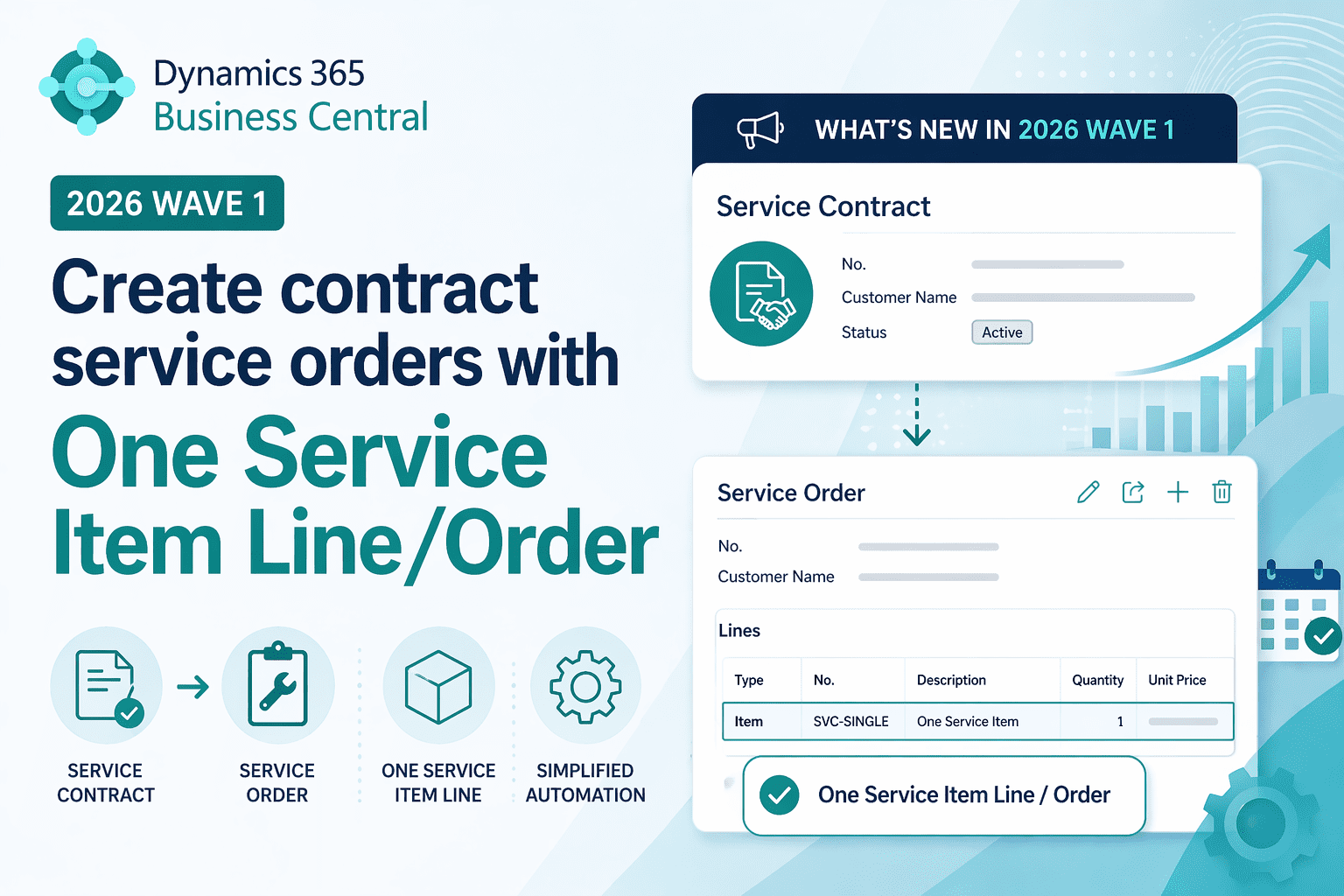
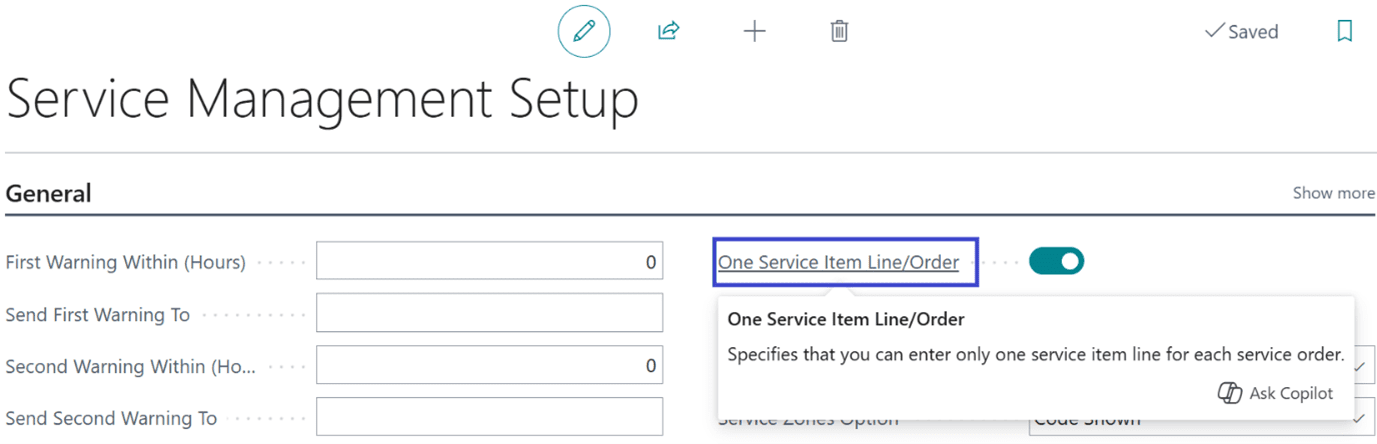
With Dynamics 365 Business Central 2026 Wave 1 (Version 28), Microsoft introduces a One Service Item Line/Order setting in Service Management Setup.
Let’s explore more in detail.
Normally when you create the Service Order from Service Contract with multiple line items, all the Line items are moved from Service Contract to Service Order respectively.
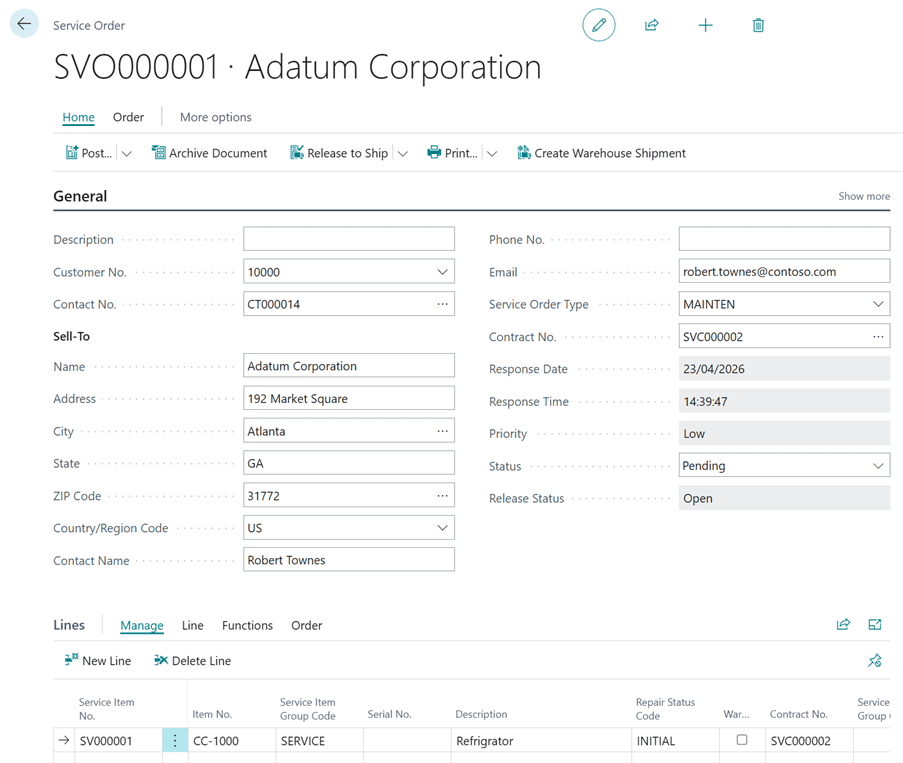
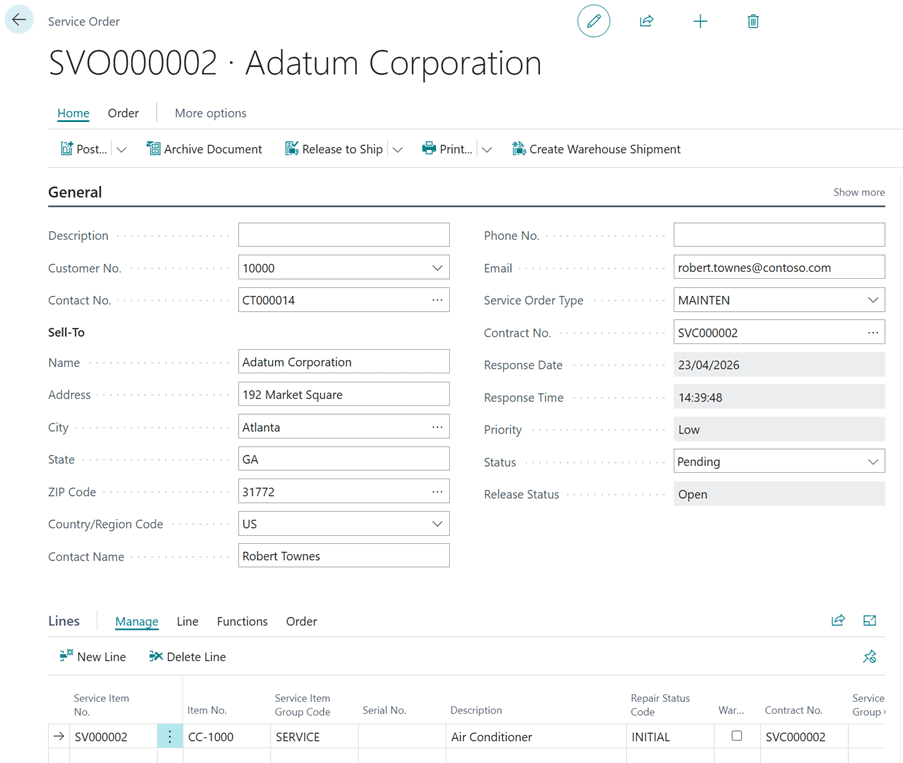
With “One Service item Line/Order” checked, system will create individual Service Order for each Item Line.
On Tell me search (Shortcut ALT+Q), search for Service Management Setup.
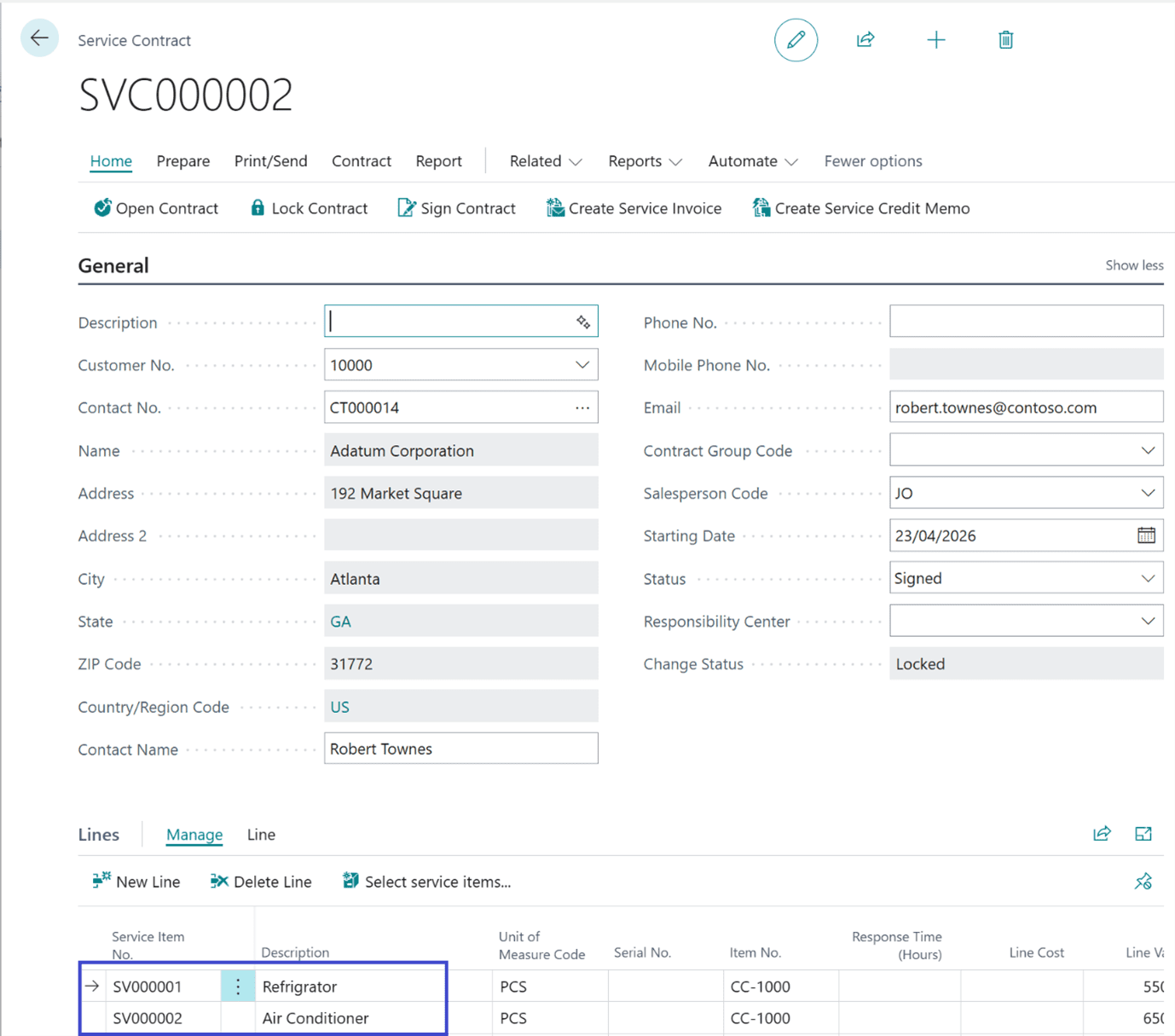
Service Contract with 2 Line Items.
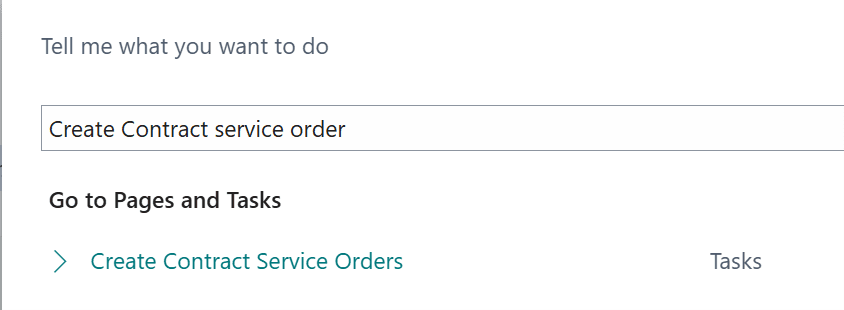
On Tell me search (Shortcut ALT+Q), search below reports (Create Contract service order).
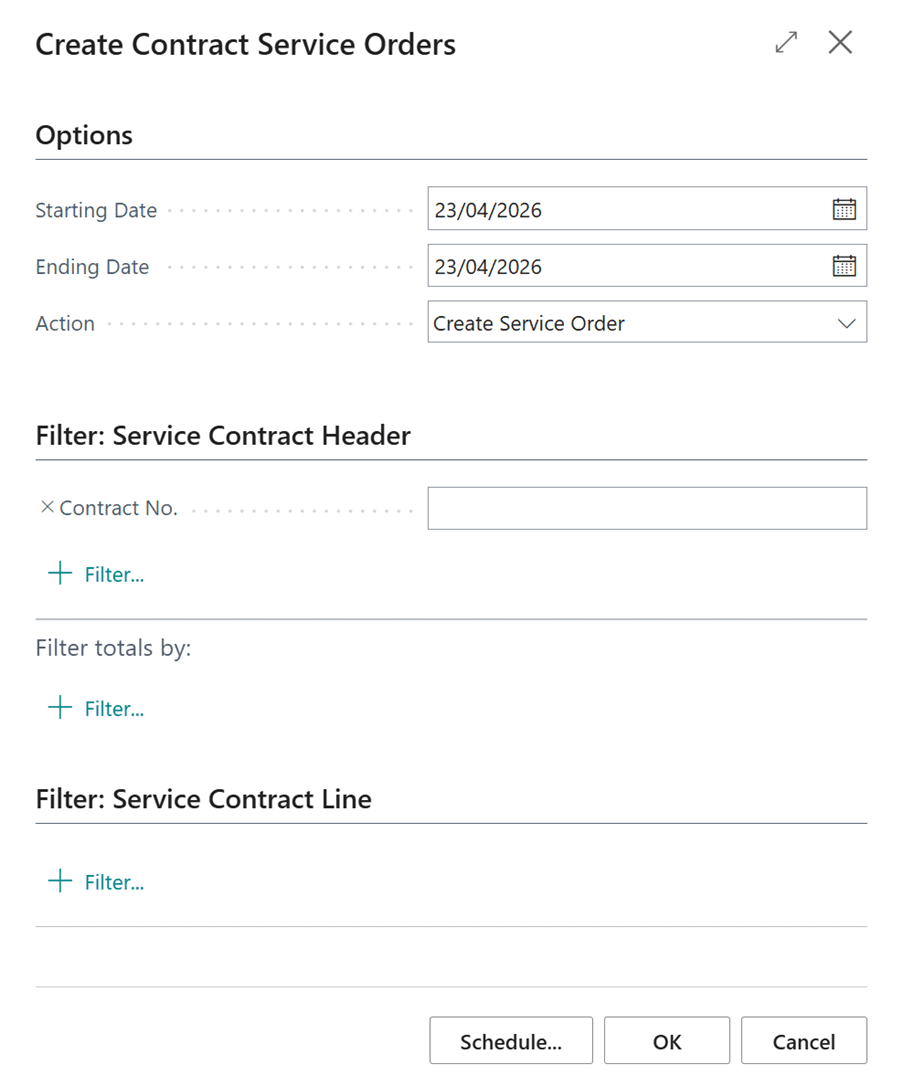
Define the Dates and Hit OK.
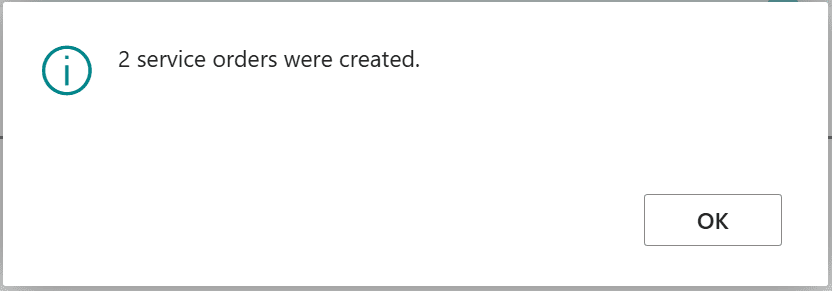
Service order per individual service item.
If the One Service Item Line/Order is disabled, the batch process will create a single service order containing all service items from the contract.
Thanks!!
Please follow and subscribe. Share your thoughts in the comments.!!