Hi Folks,
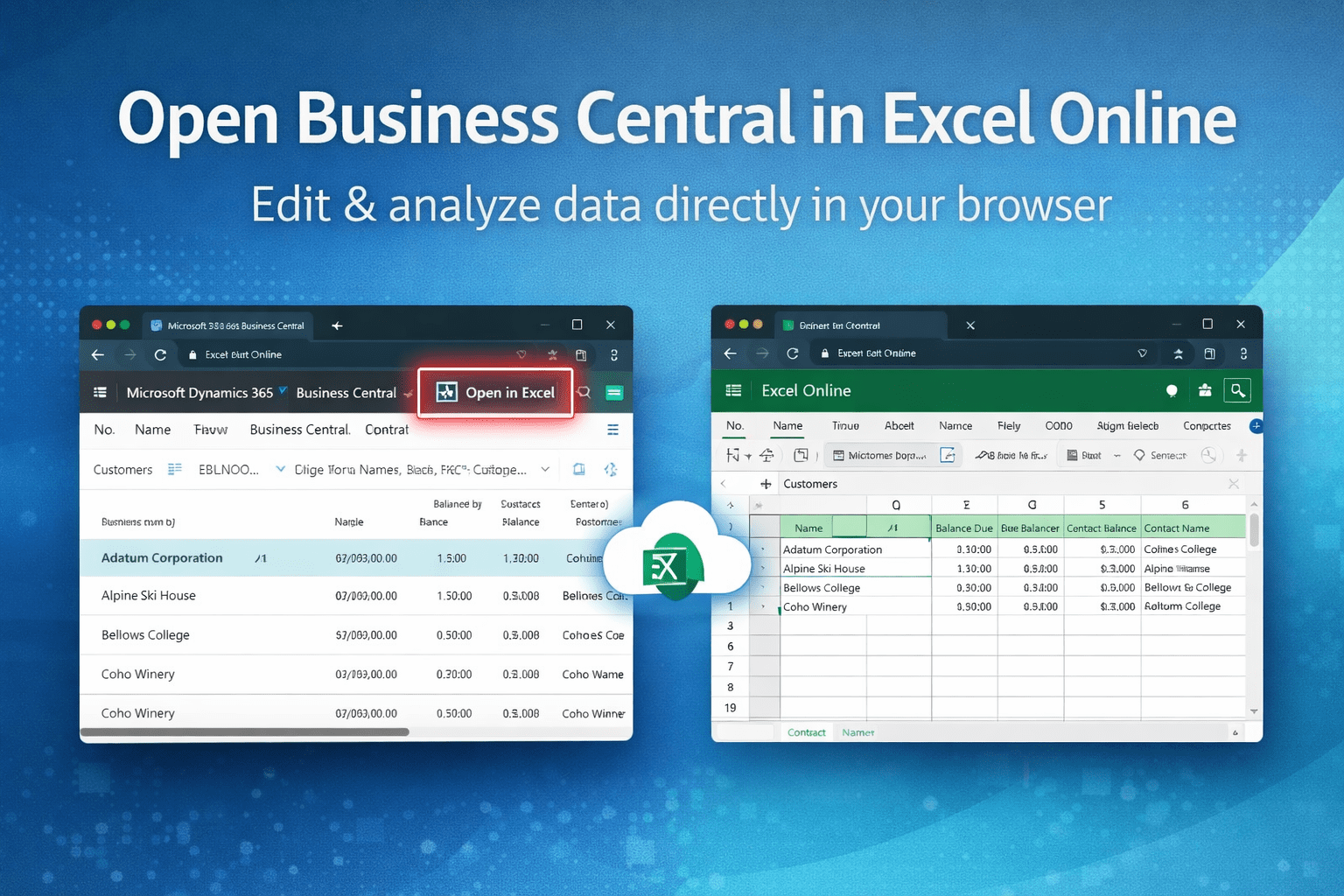
Business central allows you to automatically open the list page and other type of pages into excel.
Let’s see how it works with Item list.
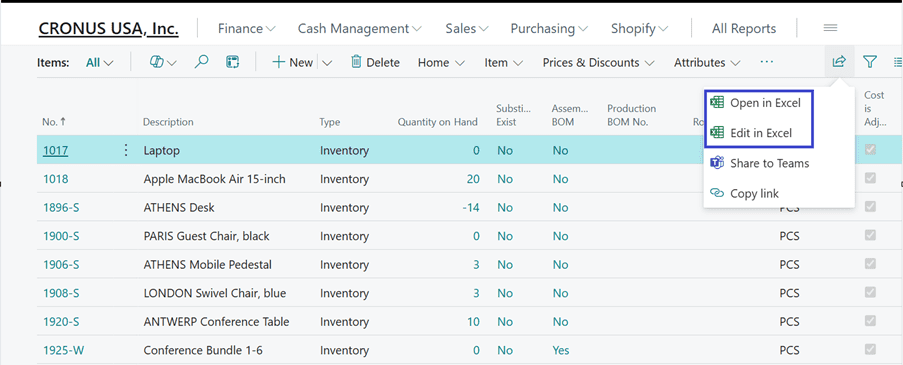
When click on “Open in Excel” or “Edit in Excel” the system will download the excel file locally. You can edit the data in excel but can’t publish it back to business central.
Now let’s try to see how we can open in excel directly in web browser (Online Excel).
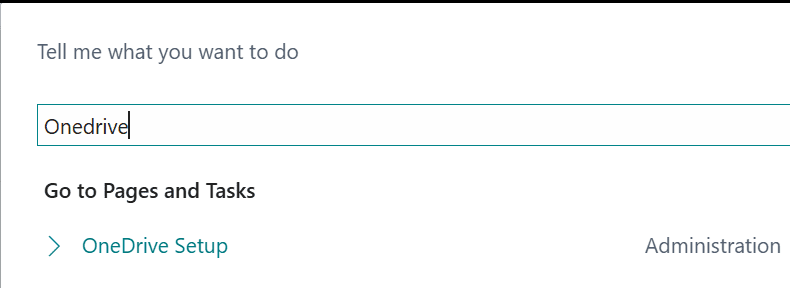
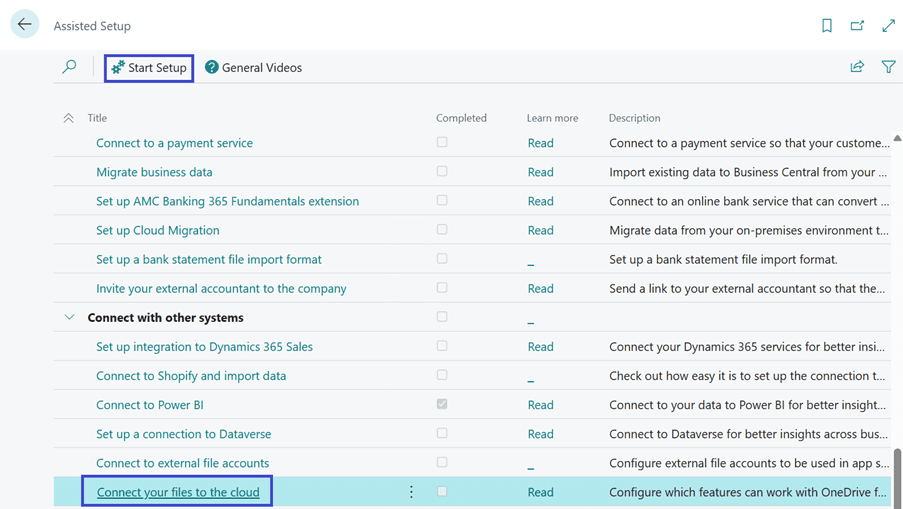
Alternatively search for “Assisted Setup” on Tell me search. Click on “Start Setup”.
Click on Next
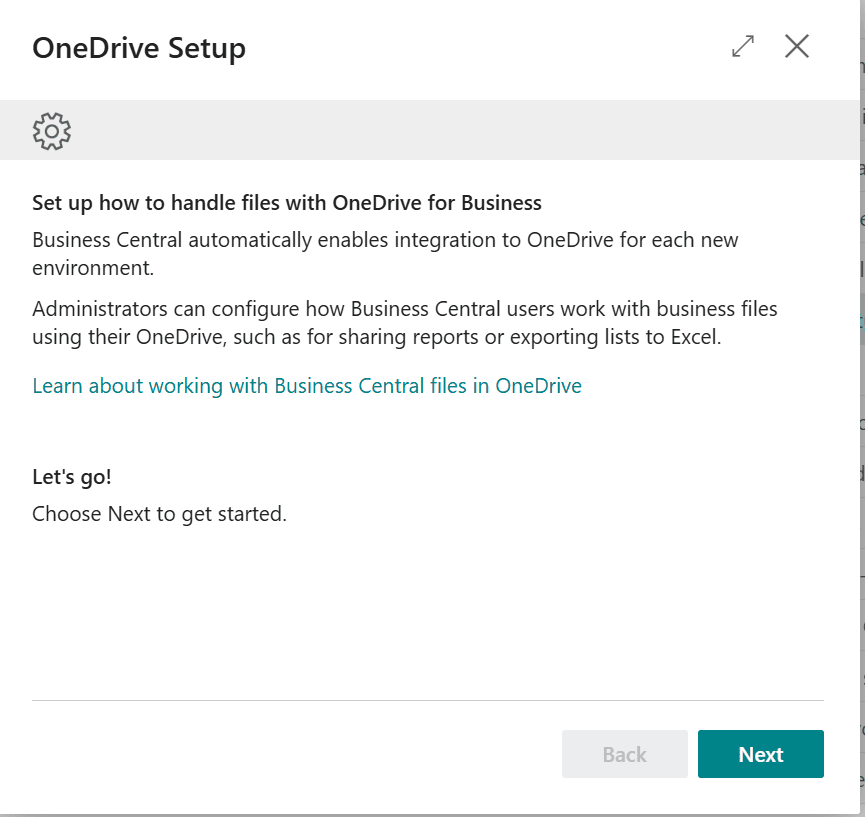
Click on Next
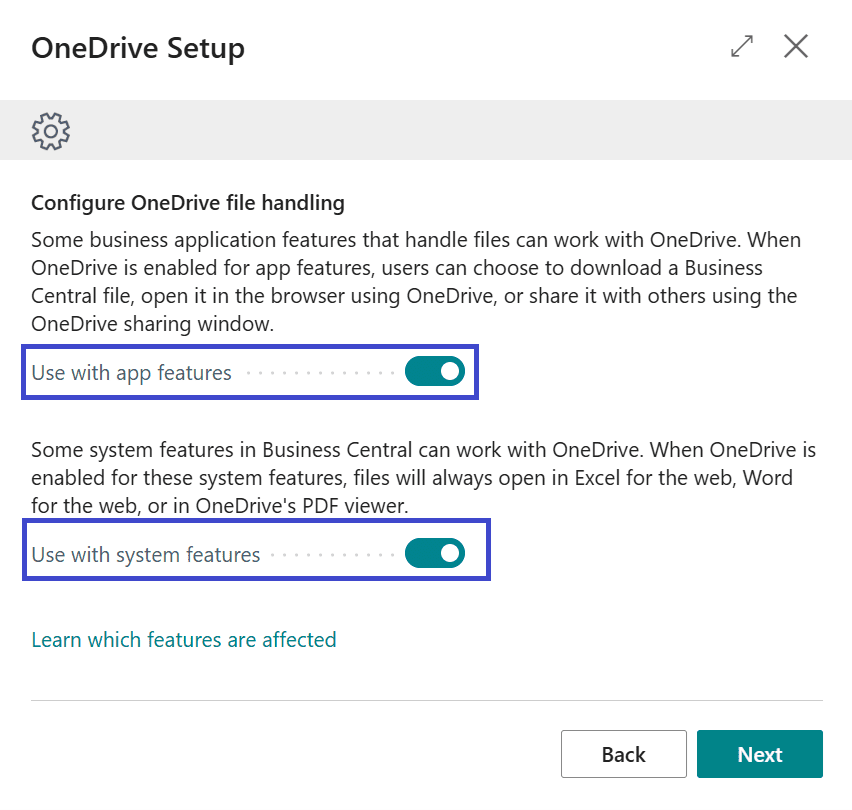
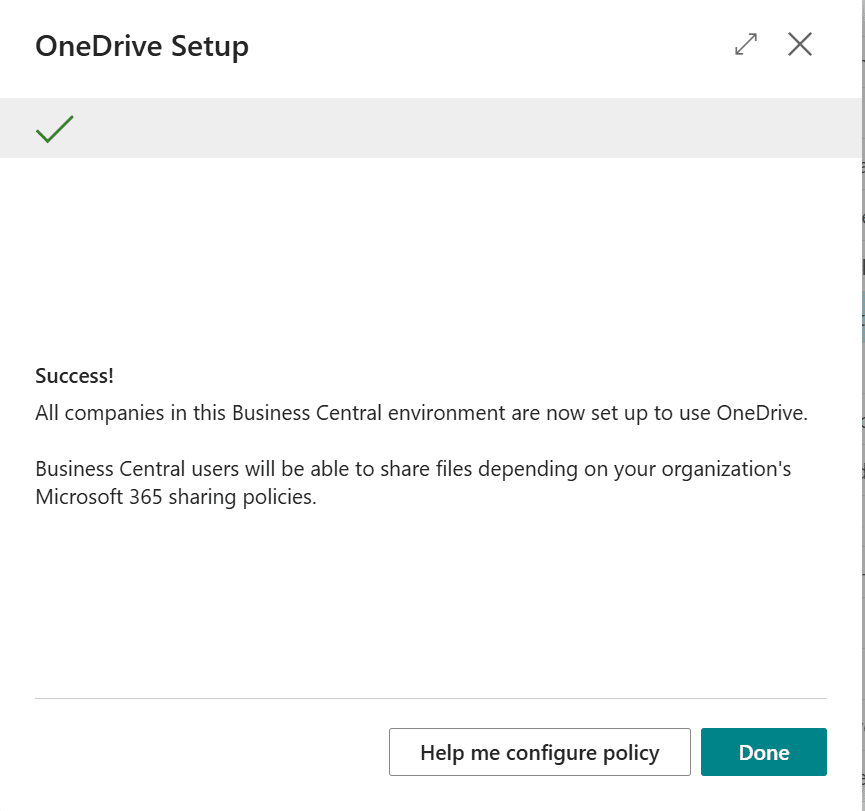
Click on Done
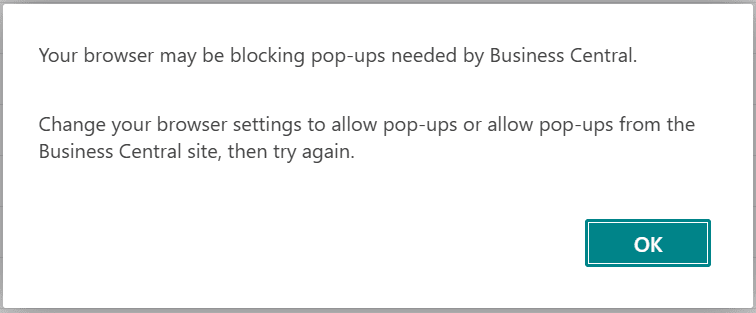
If you get below message just allow the pop-ups on top right of the url.

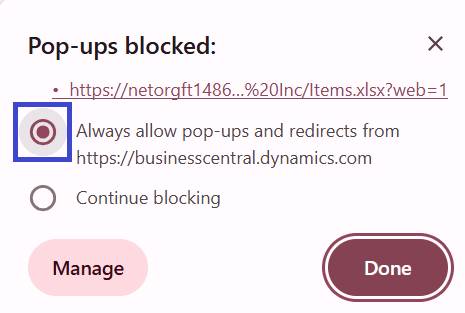
Check the Always allow pop-ups option and done.
Now clicking on excel will open the excel directly in web browser (Online Excel).
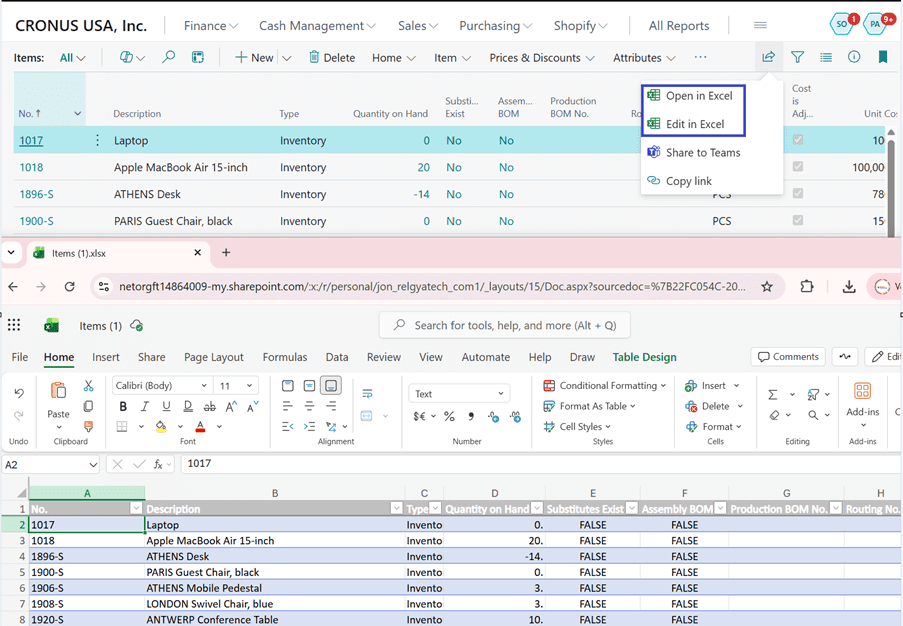
Let’s try “Edit in Excel. When clicked open the excel in editing mode.
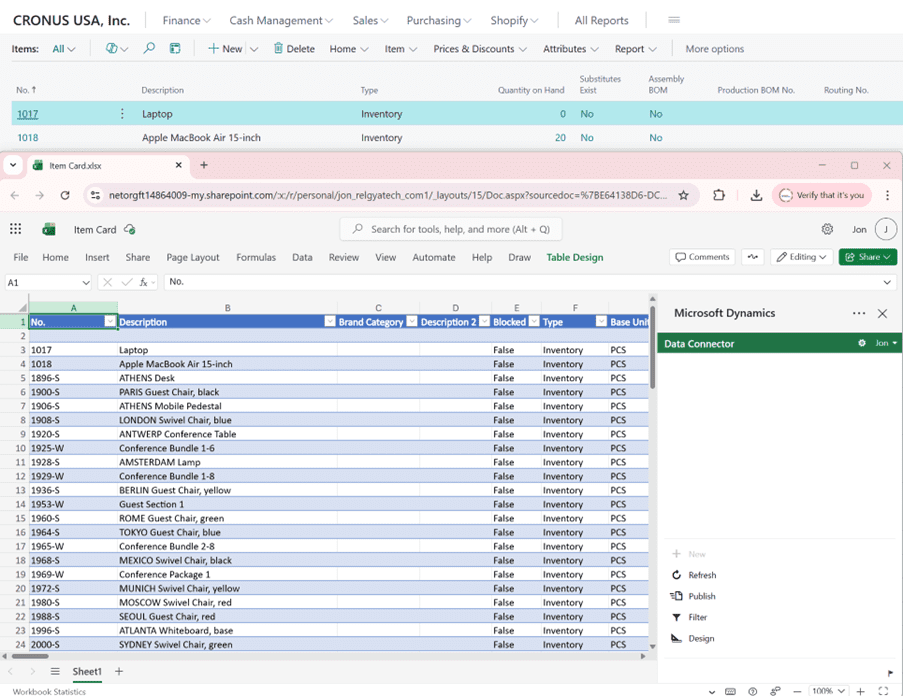
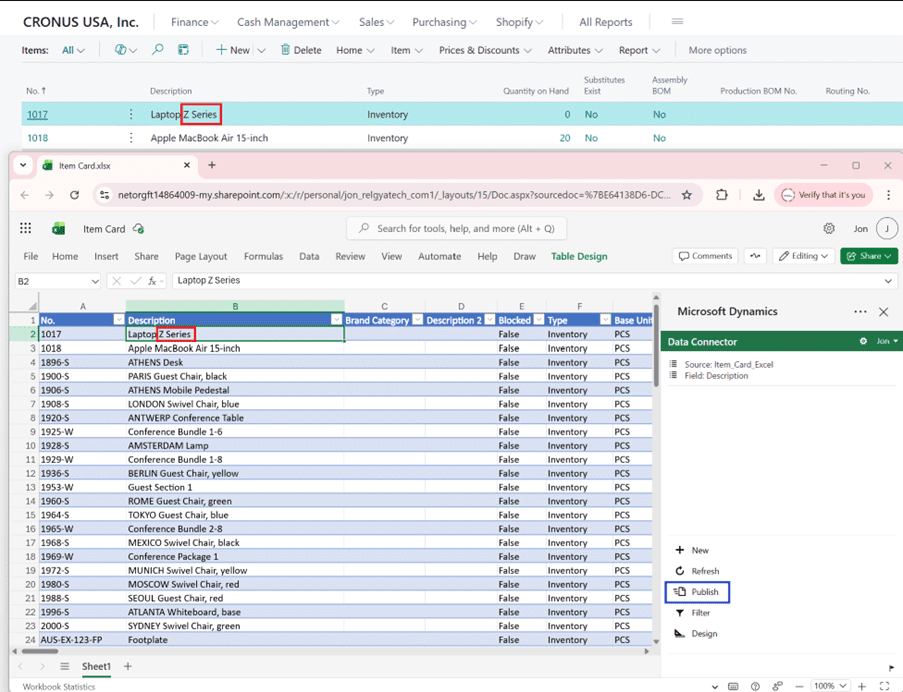
Now making the changes to excel and publishing back to business central will update the data.
Thanks!!
Please follow and subscribe. Share your thoughts in the comments.!!